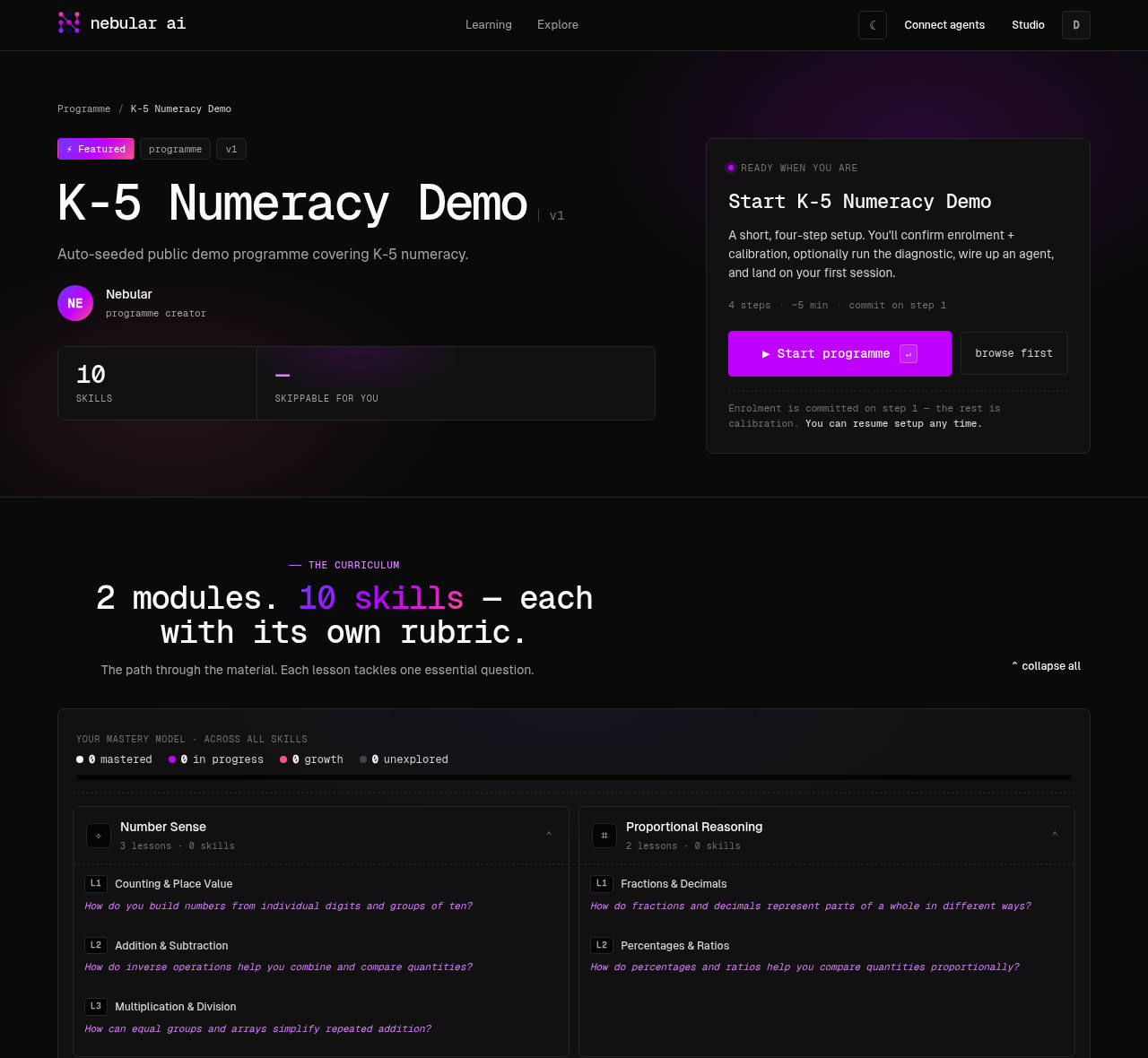
Author a programme by conversation
Drive knowledge-graph authoring by talking to your agent over the Nebular authoring MCP. Learn to prompt with outcomes, watch the agent validate and build the graph, then publish a programme in under 25 minutes.
Mint a personal access token, export it, and register the authoring MCP server with your agent. One command in Claude Code; one JSON block for Claude Desktop or any other MCP client.
Add the Nebular authoring MCP to your agent — no token to copy. Claude signs you in through the browser on first use.
$claude mcp add nebular-authoring \$ --transport http \$ http://nebular.live/api/v1/mcp_authoring/
claude mcp list — you should see nebular-authoring ✓ connected.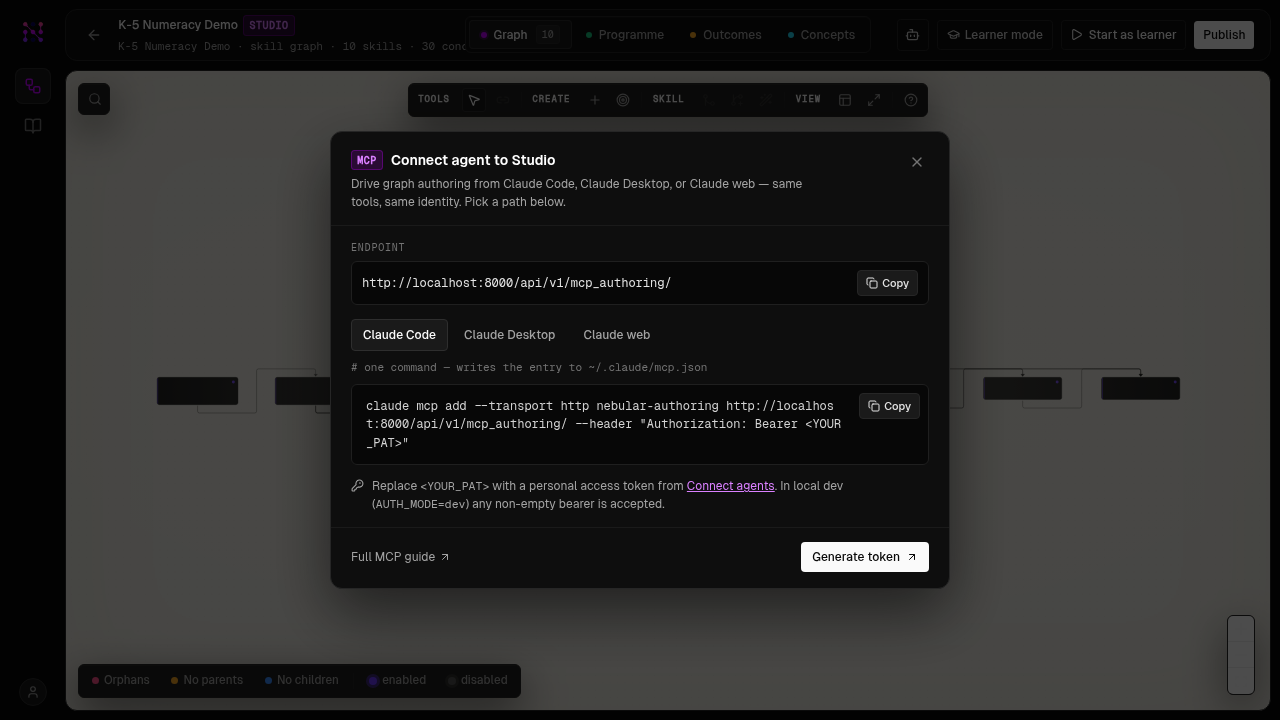
Before prompting, understand the four pieces: graph, outcomes, programme, and version. The agent loads the full pedagogical protocol via session_bootstrap on every session.
Nebular organises knowledge in four layers. A graph is a domain-curated set of micro-skills linked by prerequisite edges — it is stable and shared. Outcomes are observable goals attached to specific skills. A programme bundles outcomes into modules and lessons ordered by the graph topology. A version is an immutable published snapshot of a programme that learners enrol in.
- 1A skill is a ~20–30 min mastery unit: one essential question, one mechanism, 2–5 key concepts with weights.
- 2An outcome uses an observable Bloom verb: apply analyse design evaluate. Banned verbs: understand, know, appreciate, be familiar with.
- 3A prerequisite edge means “must master before”. Maximum 2–3 prereqs per target. Siblings are not prerequisites of each other.
session_bootstrap before any other tool. It returns the full pedagogical protocol — KC test, grain-size rules, evidence-config discipline, quality gate, and your recent graph slugs. The response is the source of truth; these docs are just the entry point.The single biggest lever is the prompt you open with. Topic names give the agent nothing to optimise against. Outcomes, use-case, level, and depth register let it order skills toward a concrete goal.
The weakest authoring prompt hands the agent a topic name. A strong one gives four things: why you need this (exam, project, curiosity), your starting point (prior knowledge), a depth register (proofs vs intuition), and the domain of application. Then state 1–4 goals as outcomes in the shape “a learner can <verb> <object> well enough to <situation>”, each with an observable task that proves mastery.
- 1The goal or use-case — exam, reading papers, building something, an interview, curiosity
- 2Your current level — what you already know; this bounds how deep prerequisites go
- 3The depth register — proofs-and-rigor vs compute-and-mechanics vs intuition-and-vocabulary
- 4The domain of application — signal processing, ML, optimisation, pure math
- 5What “done” looks like — an observable task or scenario that proves mastery
I need a programme for [GRAPH NAME OR TOPIC].

Use case: [exam / project / reading papers / interview / curiosity]
My current level: [what I already know — this bounds prerequisites]
Depth register: [proofs + rigor / mechanics + calculation / intuition + vocabulary]
Domain of application: [e.g. ML, signal processing, pure math, finance]

Goals (1–4 outcomes):
1. A learner can [apply/analyse/design/evaluate] [object]
   well enough to [situation].
   Done when: [observable task that proves mastery].
2. …

Please call session_bootstrap first, restate the outcomes
in the canonical form, and confirm before writing any skills.
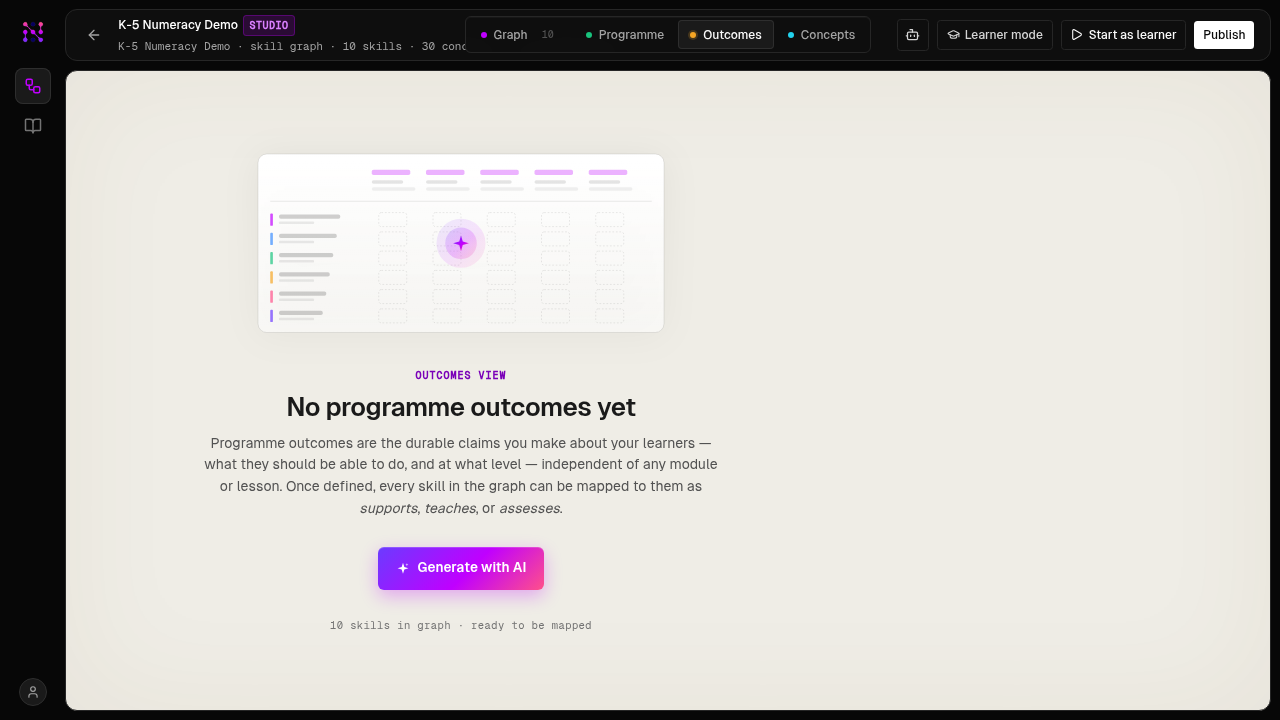
The agent plans skills, proposes the graph as a batch transaction, validates for cycles and orphans, runs parallel prerequisite inference, and consolidates duplicates — showing you a summary before and after each write.
Once you confirm the restated outcomes, the agent works through a fixed pipeline: session_bootstrap → outcomes interview → skill planning → graph_transaction (atomic batch commit) → graph_validate → parallel skill_infer_prerequisites ×N → suggestions_consolidate. It plans and shows you the proposed skill list before any write.
graph_transaction — atomic, with client_ref forward references so the whole batch commits or rolls back together. skill_infer_prerequisites returns read-only proposals; you vet them before they are attached. Nothing is permanent until you approve.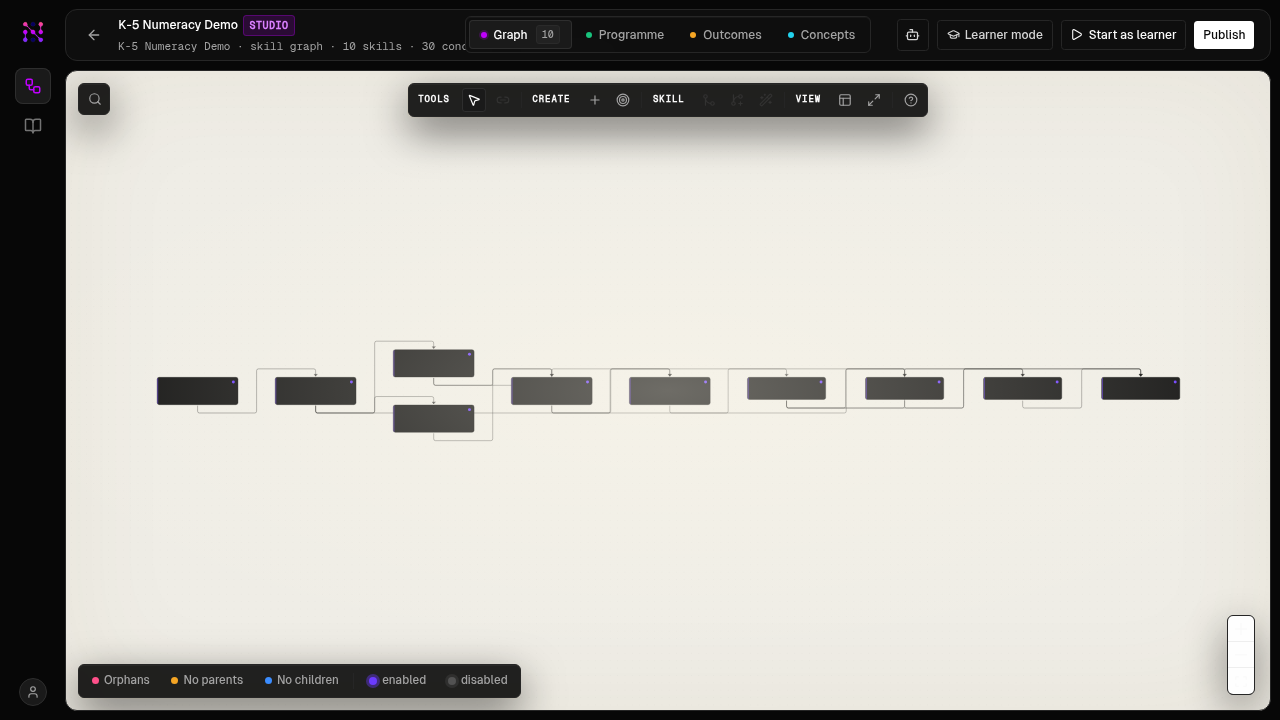
Generate the module tree, check the quality gate, and publish v1.0. The gate enforces outcome phrasing, curriculum coverage, and evidence discipline on every skill.
Once the graph and outcomes are confirmed, run programme_generate to get a module → lesson → skill tree. Then call programme_status to check the quality gate, and programme_publish once the grade passes.
programme_generate returns a fell_back flag when the prerequisite topology is over-constrained or the skill graph is disconnected. The remedy is usually to loosen a few prerequisite edges, split an overly broad skill, or add missing bridging concepts. Ask the agent to run graph_validate again with auto_fix=true.programme_publish is blocked until programme_status returns a passing quality grade. The grade checks: concept-map completeness, outcome count and phrasing, curriculum coverage, and evidence-config discipline on every skill. Grade B or above unlocks publish.Publish the programme.
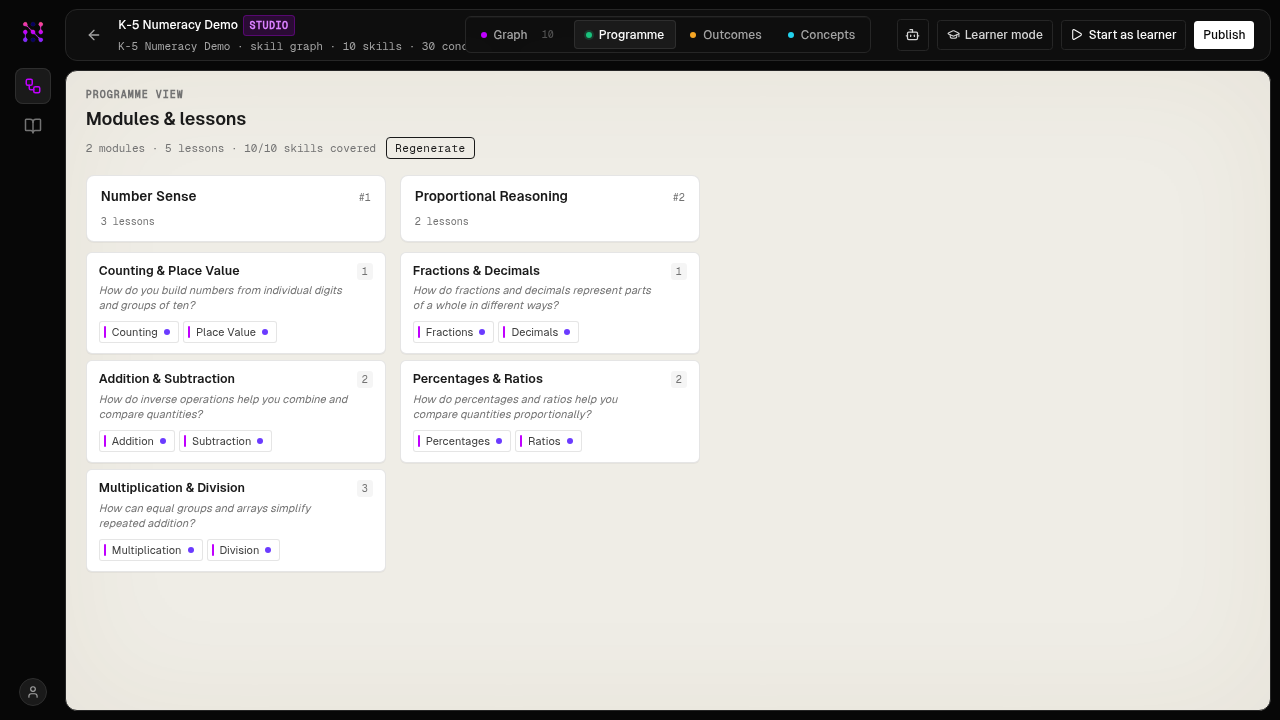
Publishing creates an immutable version at a shareable learner link. The separate learning MCP lets any agent teach from it, tracking mastery across sessions.
The published version is immediately available at nebular.ai/learn/<slug>. Share that link with any learner — they can start from Claude Code, Claude Desktop, or the web app, all drawing from the same programme and learner memory.
…/api/v1/mcp_authoring) builds the graph. The learning MCP (https://nebular.live/api/v1/mcp) is a separate server that any agent — Claude Code, Claude Desktop, a custom bot — can connect to for mastery-tracked teaching sessions. See the Quick start “Start learning” step for how learners connect.